SELF-HOSTED WORKFLOW AUTOMATION
Run n8n with Zero Limits and Full Control
Stop paying for expensive task limits. Deploy your n8n instance on high-performance infrastructure designed to handle complex workflows and heavy data processing effortlessly.
Plan & Pricing
Find your ideal hosting solution
Simple Tasks
Everything you need to get started
Basic Workloads
Everything you need to get started
Small Business Needs
Everything you need to get started
Complex Workflows
Everything you need to get started
Our Features
Master Your Workflows with Precision
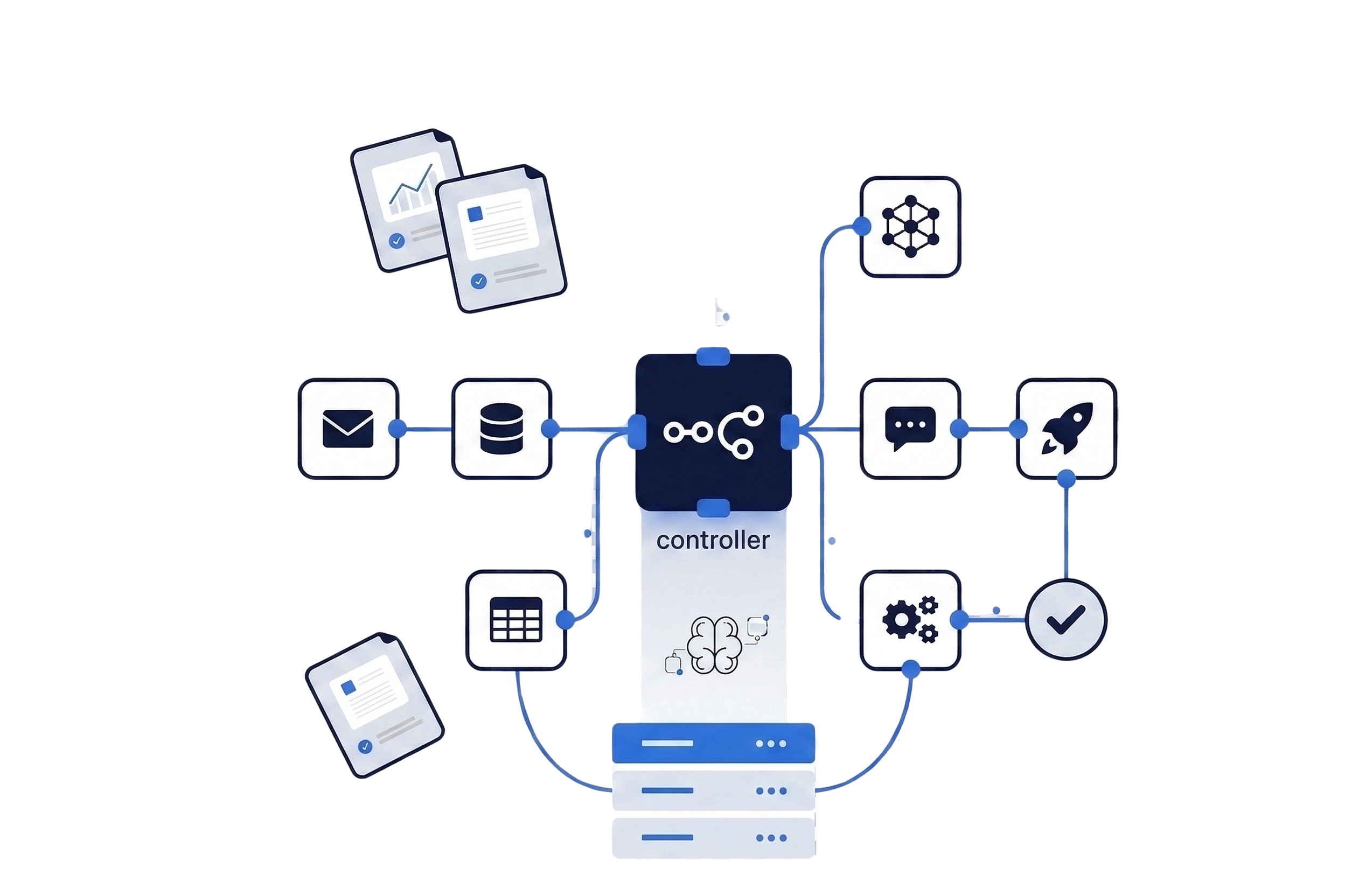
Dedicated Resources for Heavy Automations
Unlike shared environments, your n8n instance gets 100% of the assigned CPU and RAM. This ensures that memory-intensive nodes and high-frequency triggers run smoothly without interruptions.
Total Data Privacy & Security
Keep your sensitive API keys and business logic on your own dedicated infrastructure. Benefit from hardware-level isolation to ensure your data never leaves your control.
High-Concurrency Execution
Our infrastructure is tuned for high-speed I/O, allowing you to run multiple complex workflows and handle thousands of webhooks simultaneously without latency.
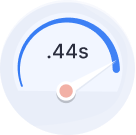
99.9% Execution Reliability
Trust your business logic to a platform that never sleeps. Experience consistent performance and ultra-low latency for every node in your workflow, from day one.
Why us!
Build your online presence with powerful Websites & Marketing tools
FAQS
Find quick answers to your questions
How do I access n8n once my Hostaday server is ready?
Once your deployment is complete, you can access the n8n visual editor directly through your server’s IP address or a custom hostname (e.g., automate.yourdomain.com). From the intuitive canvas, you can start building complex workflows by dragging and dropping nodes for various applications.
n8n vs. Zapier vs. Make: Why go self-hosted?
The primary advantages are Control, Cost, and Privacy. While Zapier and Make charge per “task” or “operation,” a self-hosted n8n instance on Hostaday allows for unlimited executions for a fixed monthly price. Furthermore, since the data stays on your own server, you maintain 100% data sovereignty—an essential requirement for professional IT standards.
Why is n8n preferred by developers and IT engineers?
n8n bridges the gap between low-code and high-code. Developers love it because you can write custom JavaScript or Python logic directly within nodes, build custom integrations via private APIs, and manage complex error handling. It provides the flexibility of a custom-coded script with the speed of a visual builder.
What is the difference between n8n Cloud and Hostaday Self-Hosted?
n8n Cloud: Fully managed by n8n but comes with strict execution limits and higher monthly costs.
Hostaday Self-Hosted: Offers complete freedom. You get full root access to the server, no limits on the number of workflows or executions, and significantly lower costs. With our 1-Click Installer, you get the “instant” setup experience of the cloud with the power of self-hosting.
Can I run n8n using Docker on my VPS?
Absolutely. While our 1-click deployment is the fastest way, many advanced users prefer running n8n via Docker Compose for better environment isolation and container management. Hostaday VPS plans provide the full Docker support needed to deploy and scale your automation containers.
How long does it take to deploy an n8n instance?
Efficiency is our priority. Your high-speed NVMe server is typically provisioned within minutes. The full n8n environment, including all dependencies and security configurations, is usually active and ready for your first workflow in less than 20 minutes.
Can I add my team to my n8n instance?
Yes. You can manage multiple users directly from the n8n settings. This allows your team members to collaborate on workflows, share credentials, and monitor automation health. For security, we recommend setting up specific user roles based on your project requirements.
What kind of support does Hostaday provide for n8n?
We provide comprehensive support for the infrastructure—ensuring your server, network, and the 1-click installation are running perfectly. For specific workflow logic or node configuration, the global n8n community and official documentation are excellent resources that we encourage our users to explore.
Request for a
consultation

Best support

14 days
money-back guarante

24/7
chat support
Free Tools
Company